Table filter
A type of control cell that directly presents all fields in a table with a built in mechanism for adding a filter.
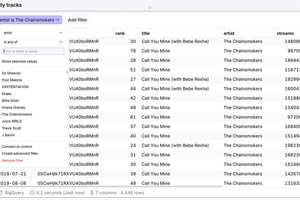
To use a Table Filter:
- Select the Table Filter icon from the Control Cell options in the toolbar at the bottom of the screen, then click to add it to the canvas.

- With the cell selected, choose the Source and the Cell/Table you want it to display.
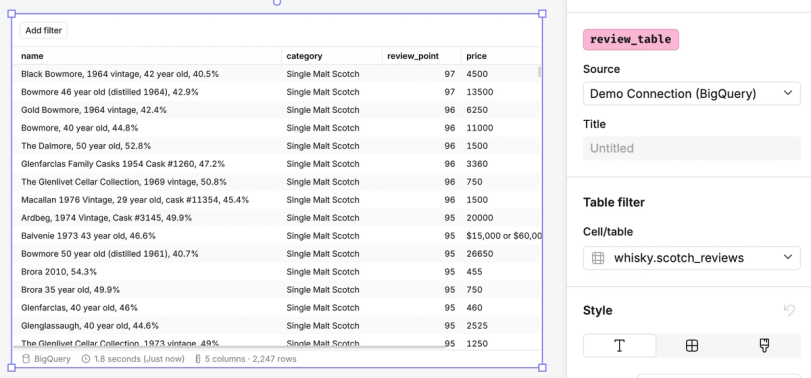
- At the top of the Table Filter, click Add Filter. Choose the field you want to filter on, select the logic, and define the value(s).
- Repeat to add multiple filters if needed.