AI settings
At a workspace-level, there are two options that for the Count AI Agent, settable by workspace owners.
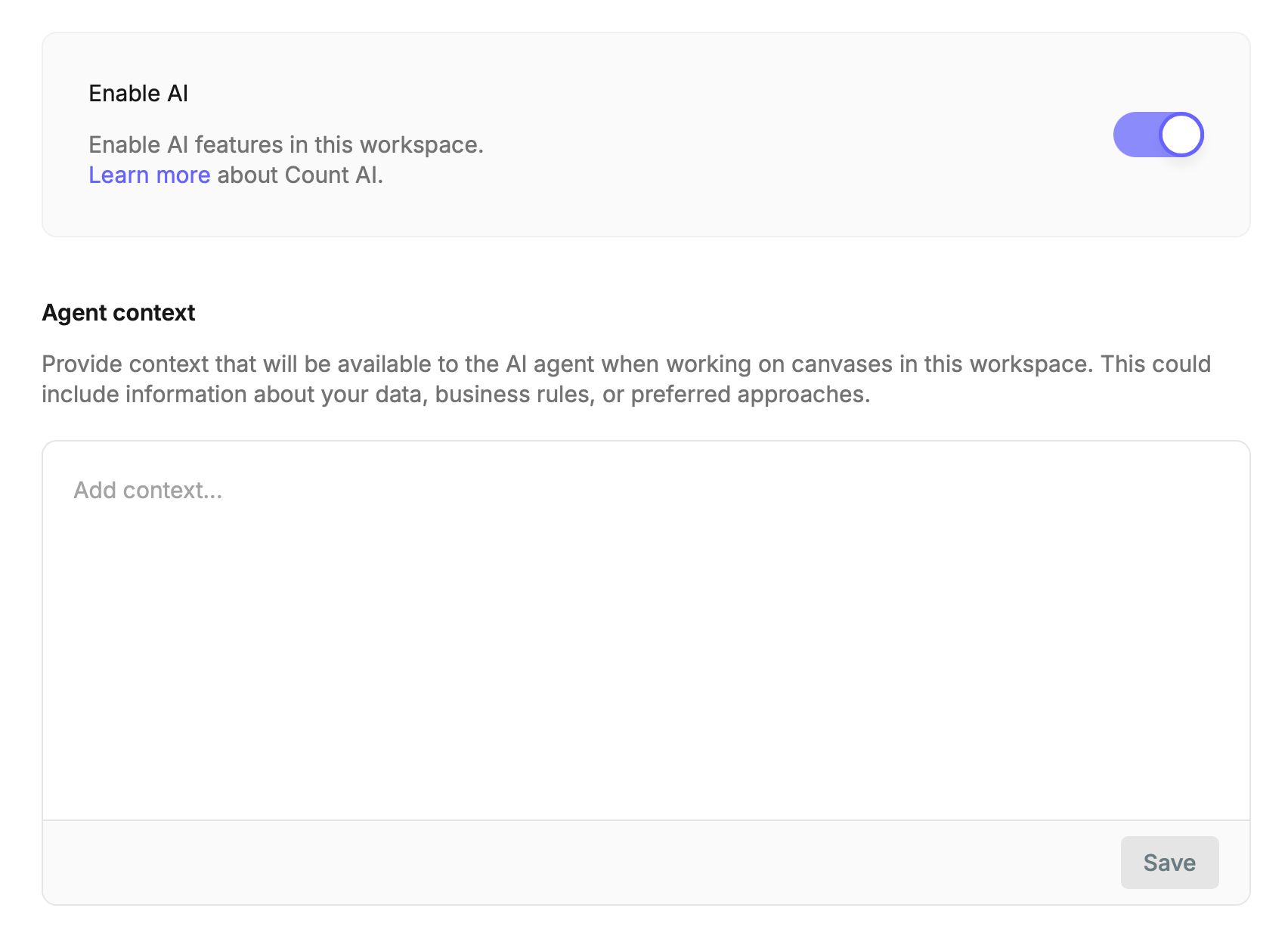
The first enables or disables the agent globally. This defaults to enabled.
Agent Context allows for context to be provided and included globally on all agent queries within the workspace. This will be combined with any project-level context, and then the actual user-provided prompt.
You can see suggested best practice for context here.
Workspace and project context is concatenated together and included with agent queries. The agent is instructed to prioritize project-level context over workspace.