Creating Views From Canvas Cells
For more complex data modeling or combining multiple databases, you can create Views directly from a canvas cell.
⚠️ You can only do this from catalog canvases.
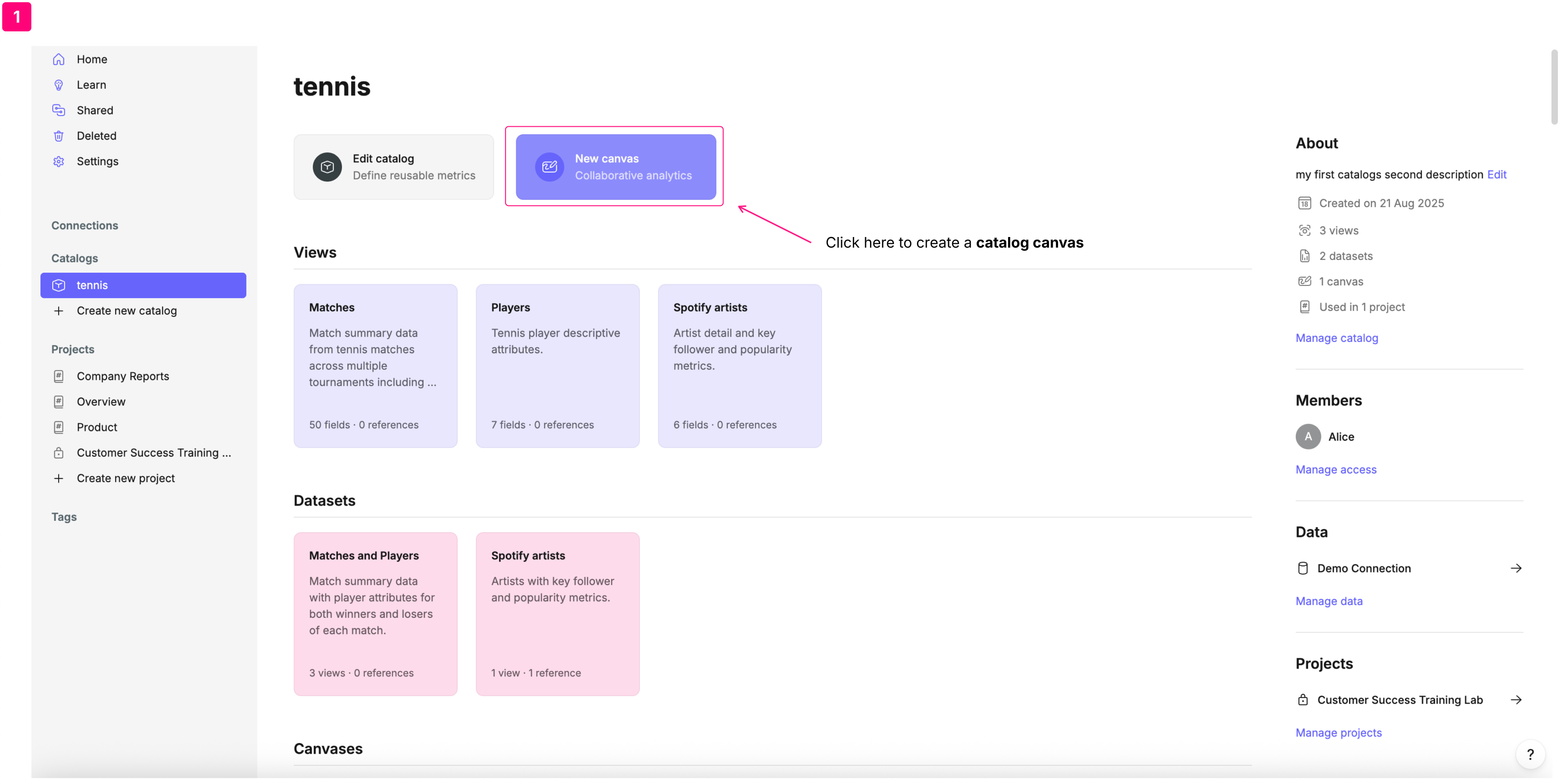
From the catalog homepage click on New canvas.
Perform your data modelling within it using SQL cells. You generate views from single cells, but any upstream references are automatically included as dependencies.
Once you're satisfied with the results, select the cell that contains the data you want to use. Scroll down the right sidebar and click Export view.
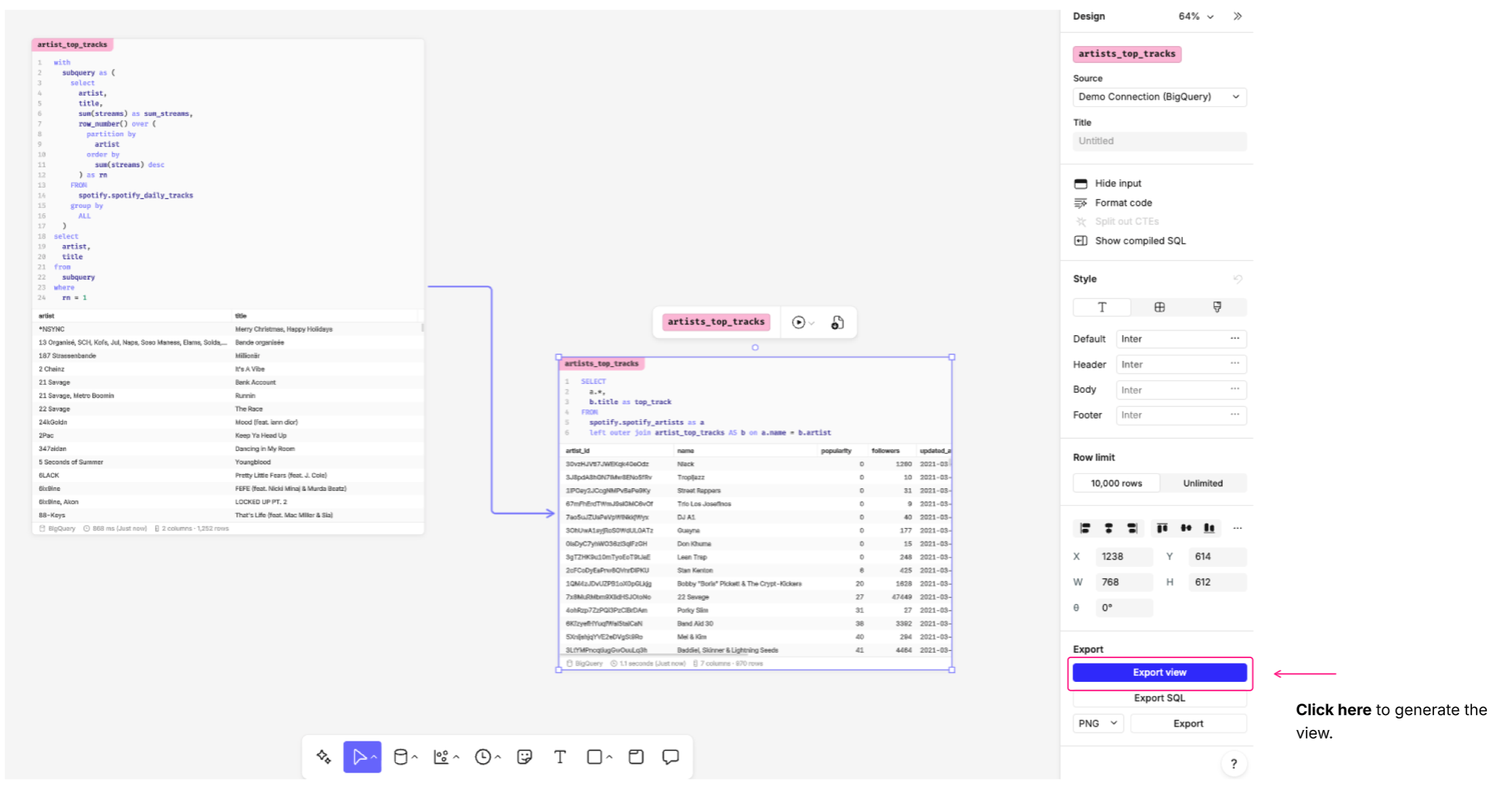
This will generate a new view in the catalog editor, pre-filled with the fields from the selected cell. Go to the Source Control tab and click on Validate and commit to publish the new view.
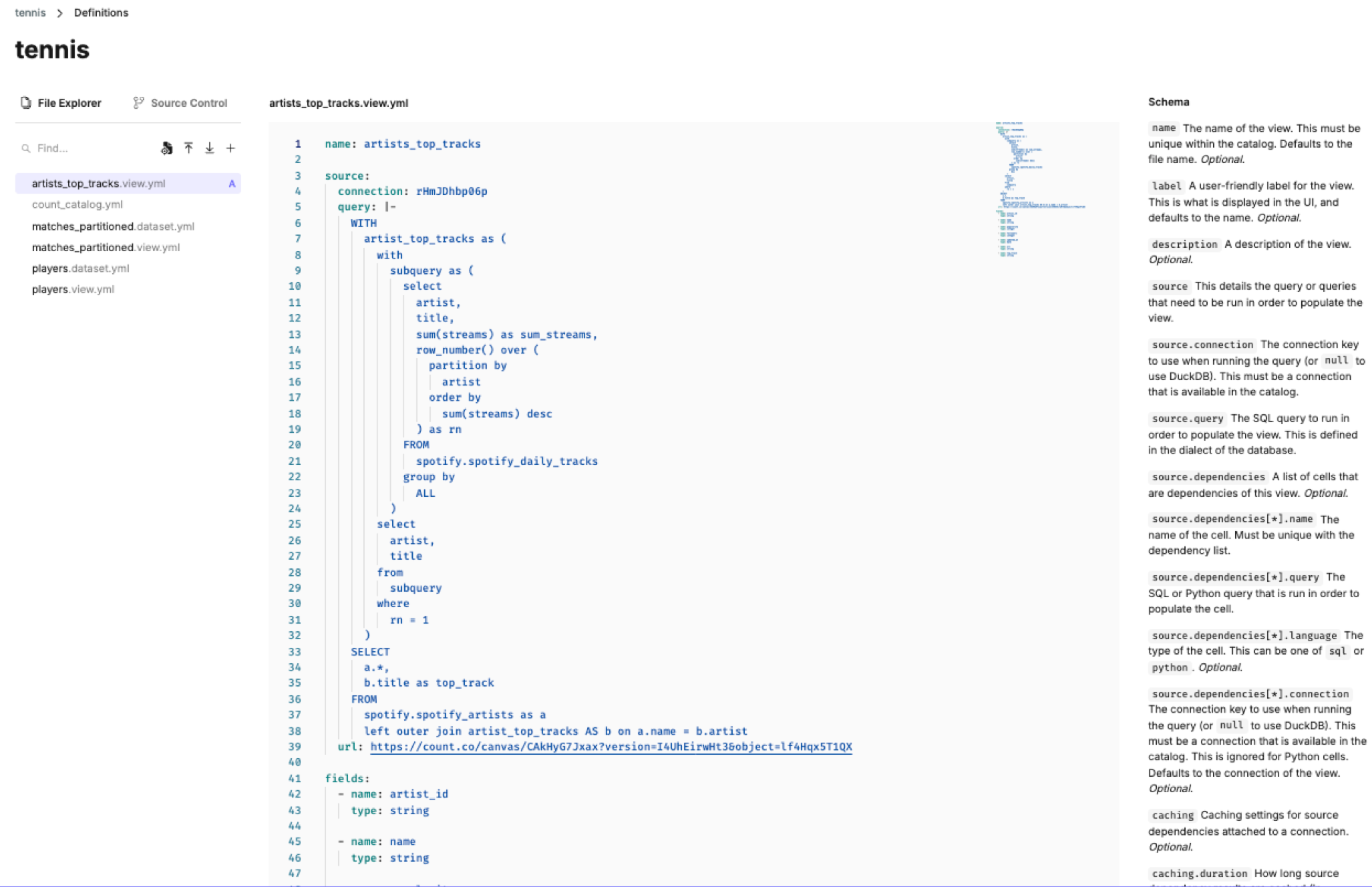
Canvas cell view YAML
Just like auto-generated views the YAML file is entirely customizable and can be edited directly in the catalog YAML editor.
There is no generated header comment in views created from canvas cells. The name matches the cell name by default.
name: artists_top_tracks

source:
  connection: rHmJDhbp06p
  query: |-
    WITH
      artist_top_tracks as (
        with
          subquery as (
            select
              artist,
              title,
              sum(streams) as sum_streams,
              row_number() over (
                partition by
                  artist
                order by
                  sum(streams) desc
              ) as rn
            FROM
              spotify.spotify_daily_tracks
            group by
              ALL
          )
        select
          artist,
          title
        from
          subquery
        where
          rn = 1
      )
    SELECT
      a.*,
      b.title as top_track
    FROM
      spotify.spotify_artists as a
      left outer join artist_top_tracks AS b on a.name = b.artist
  url: https://count.co/canvas/CAkHyG7Jxax?version=I4UhEirwHt3&object=lf4Hqx5T1QX

fields:
  - name: artist_id
    type: string

  - name: name
    type: string

  - name: popularity
type: integer- The source query is identical to the query in the cell you generated the view from.
- Views generated from catalog canvas cells contain a url link to the canvas they were created in.
- If your cell references other cells in the canvas they will appear as dependencies. It is even possible to join data from multiple data connections in a single view.
- Views generated from catalog canvas cells define only the field names and datatypes. This is the minimum requirement for functionality and can be customized to include labels, descriptions, expressions, aggregates or timeframes.