Web search
When you're deep in a piece of analysis, it's often useful to pull in information from the web. It can add context, enrich what you're already looking at, or surface data that isn't in your warehouse. That information might be quantitative (for example, published market-size figures or the latest exchange rates) or qualitative (a competitor's announcement, or the docs for a tool you're evaluating).
The Count agent can reach the web through three tools, each designed for a different job. All three bring their results directly into the canvas, where the agent can work with them like any other cell.
Web search
Web search lets the agent search the web and bring the results back into the canvas, using them as context for the rest of its analysis. The agent decides what to search for based on what you've asked it to do, and it can run multiple searches to gather what it needs.
Count uses Brave Search's API for this. Brave operates with zero data retention, so none of your search queries or results are stored by Brave.
Web fetch
Where web search finds pages, web fetch reads them. Give the agent a URL, or let it use one it found through web search, and it can retrieve the full content of that page, read it, and pull back whatever information is relevant.
Web fetch is powered by Cloudflare.
Download CSV
The agent can download a CSV file from any public internet URL and place it directly into your canvas as a CSV cell, ready to query with SQL like any other data. This is handy for pulling in open datasets or exports that live at a fixed link.
Once it's in the canvas it behaves exactly like an uploaded file. See the Upload files & CSVs page for how CSV cells work.
Controlling web access
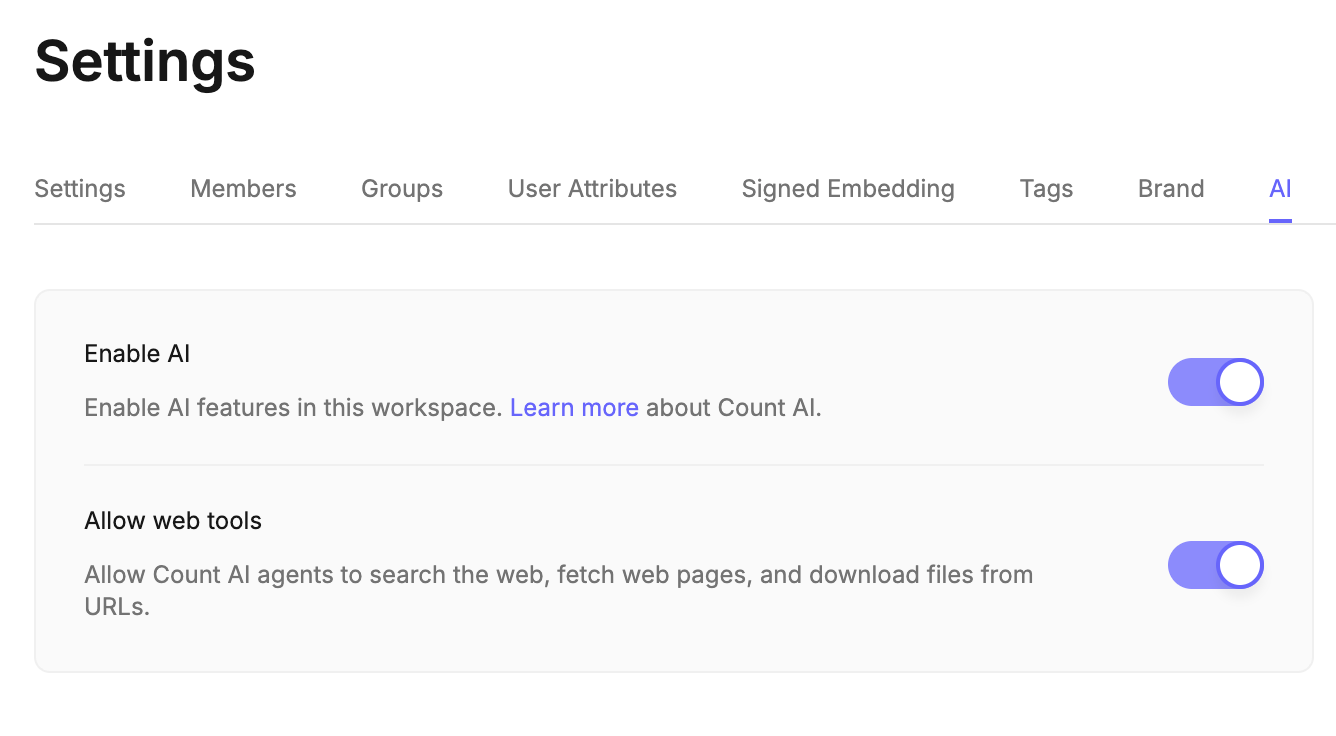
Access to the web is managed in your workspace settings. From there, a workspace admin can turn off the agent's access to any of these three tools individually, giving you full control over whether, and how, the agent reaches the internet.
Web tools are separate from Python
These three web tools are governed independently from Python cell network access. Python cells can also reach external APIs and URLs, but that ability, and which domains are permitted, is controlled by its own Python settings on the same settings page. If you're using Python to call out to the web, see the Python cells page for the details.
To understand more about how the underlying Brave and Cloudflare integrations handle your data, see the Count Trust Center.