MCP Server
Overview
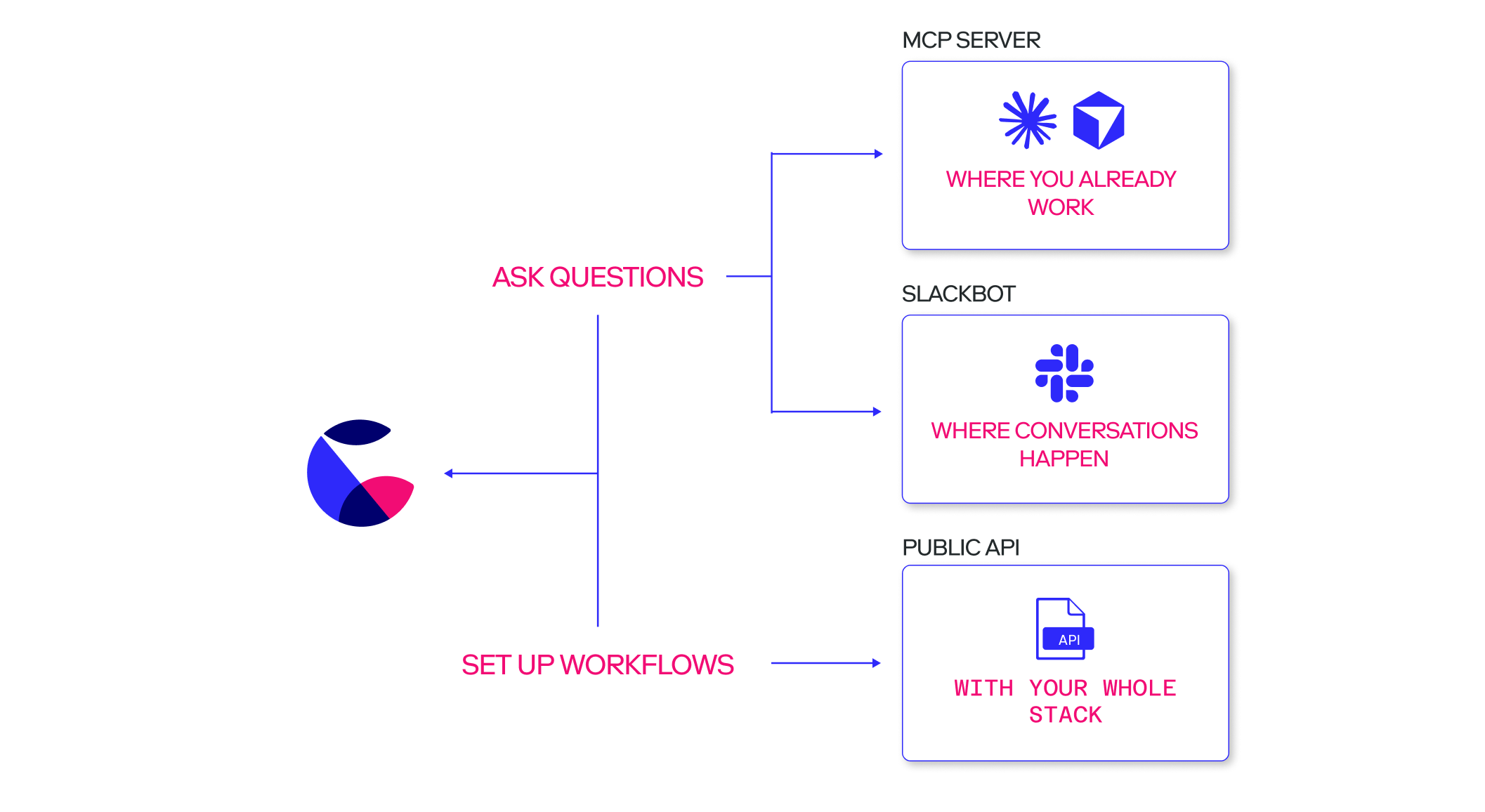
The Count Model Context Protocol (MCP) server provides a set of tools that AI apps and agents can use to interact with your Count workspace.
The MCP server is available on Pro plans and above.
Connect
Each workspace has a distinct MCP server URL - to find yours, head to the MCP tab in your workspace settings. The URL should look something like the following, where abc123 is unique for your workspace:
https://mcp.app.count.co/mcp/abc123Regardless of the app you're connecting, you'll need to:
- Be at least a member of the workspace (not a guest)
- Be signed into Count
- Connect to a workspace with the MCP feature enabled
The Count MCP server uses OAuth authentication, and once authorised and connected your OAuth client will appear in the MCP tab of your workspace settings:

If an app is not authorised within 24 hours, its OAuth client is deleted and authentication will have to take place again.
After authorisation, apps are authenticated for the next 90 days, after which they'll need to be authorised again.
Using the MCP server
Once connected, your AI agent has the same permissions as you do when interacting with resources in Count. It can:
- Search the workspace
- View workspace resources
- Run queries
- Export CSV files
- Create agents in canvases
See the full list of MCP tools and their functionality in the MCP reference page in your workspace settings.